How it works
From the places you’ve been to the places your friends love.
Wordof is a passport of places. Yours, and your friends’. Here is how it fills up, who sees what, and how you use it.
1
Fill your passport
Start with what you already have. You review everything before it goes in.
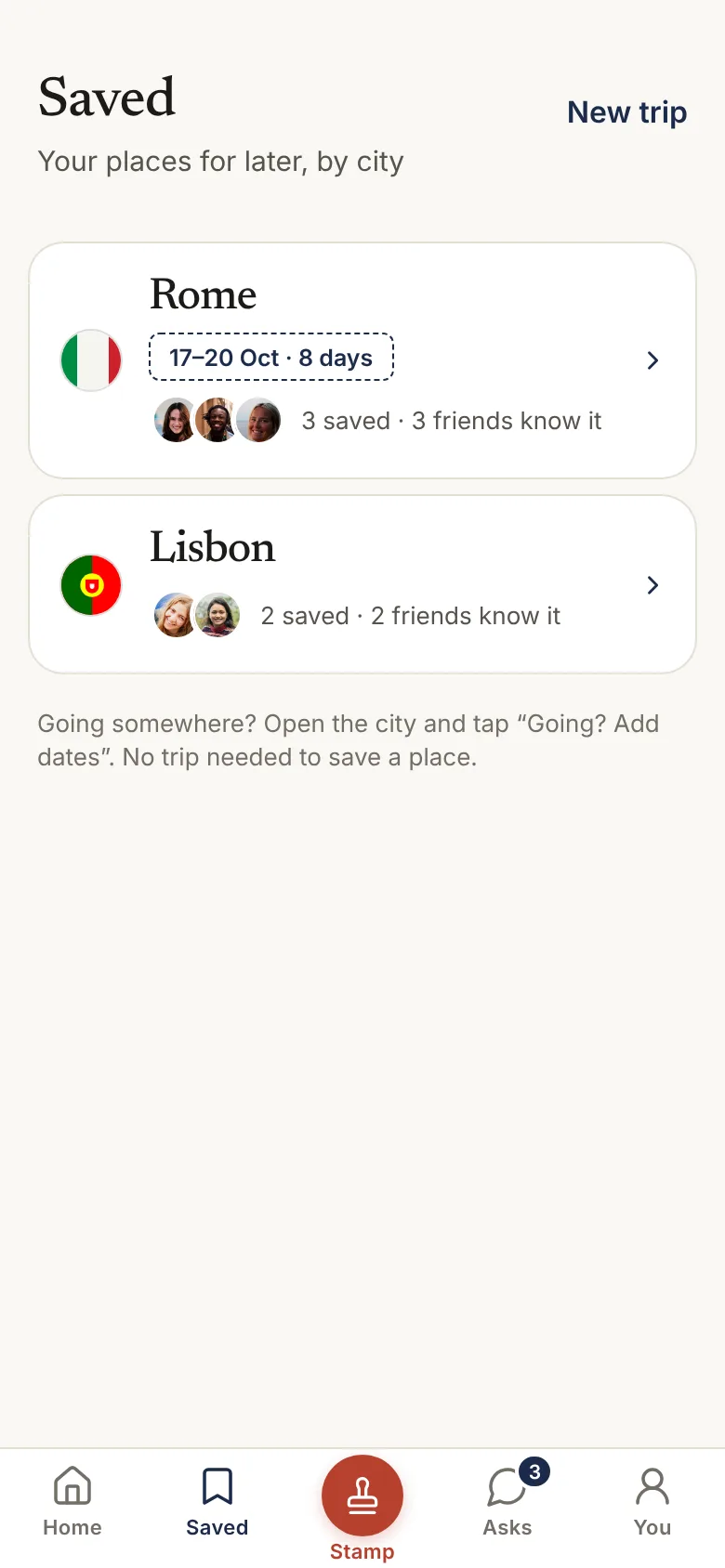
- Your photos. Tap Scan. Wordof reads the date and location of your photos on your phone, groups them into cities and trips, and suggests the places you likely went. You confirm each one.
- A friend’s message. Copy a WhatsApp message with recommendations and paste it. Wordof picks out the places it names and any map links, and you choose what each one is.
- Your Google Maps lists. Download your saved lists from Google Takeout and choose the file in Wordof.
- A Maps link. Paste a link from Google Maps or Apple Maps to stamp that place.
- Popular in your city. Swipe through well-known places near home and stamp the ones you love.
- Search. Type any place name, or start from a neighbourhood if you can’t remember it.
iPhone · next beta update Switch on stamp suggestions, and after 30 minutes somewhere Wordof asks if you want to stamp it. Never at night, at home or at work, and at most twice a day.
2
Stamp it, or keep it to yourself
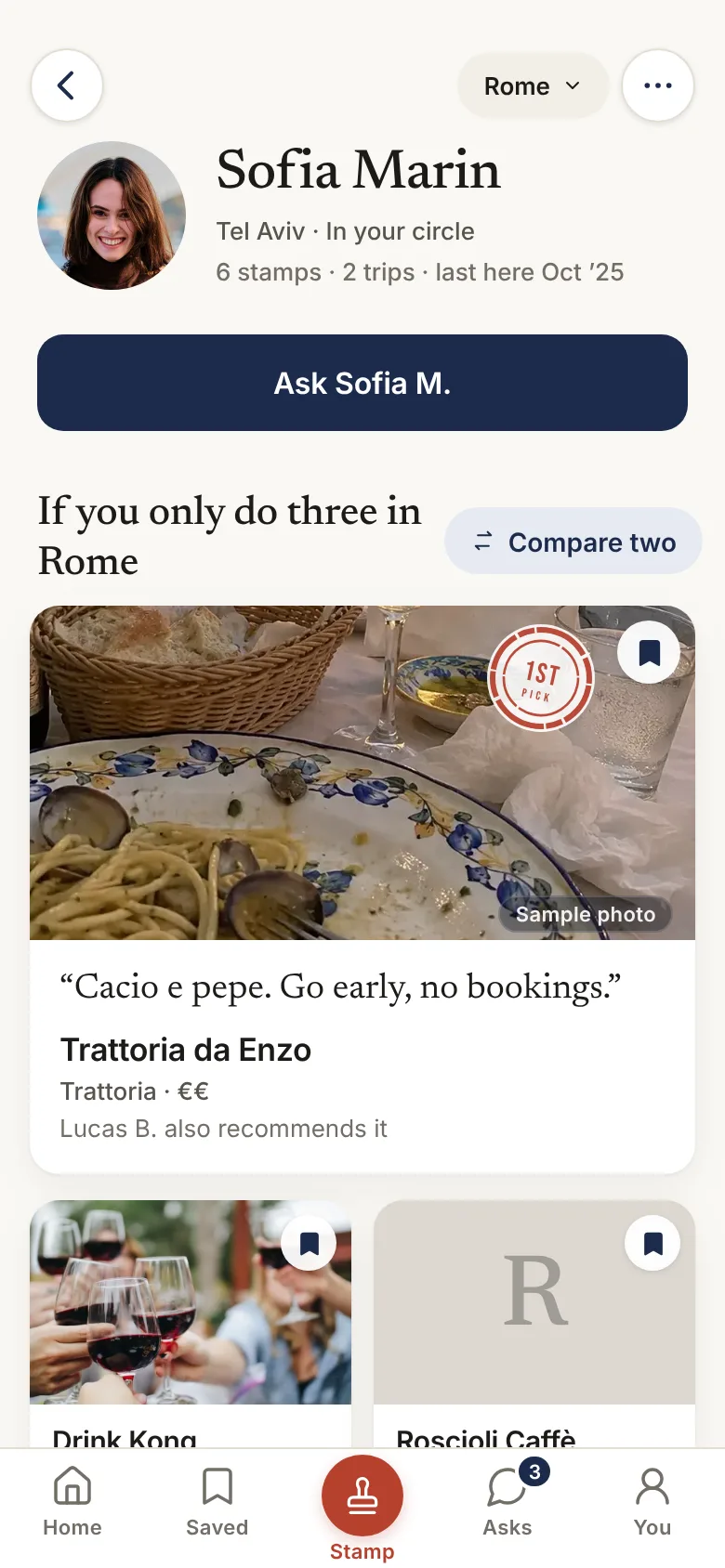
Going somewhere isn’t the same as recommending it. Every place has a choice:
- Stamp it. You’d send a friend there. Your circle sees it, with your words.
- Been, keep private. It stays in your passport, only for you.
- Want to go. Saved for later, only for you.
Add a line in your own words, what stood out and what it’s good for. Friends see how many times you went back, and when.
3
Bring in your circle
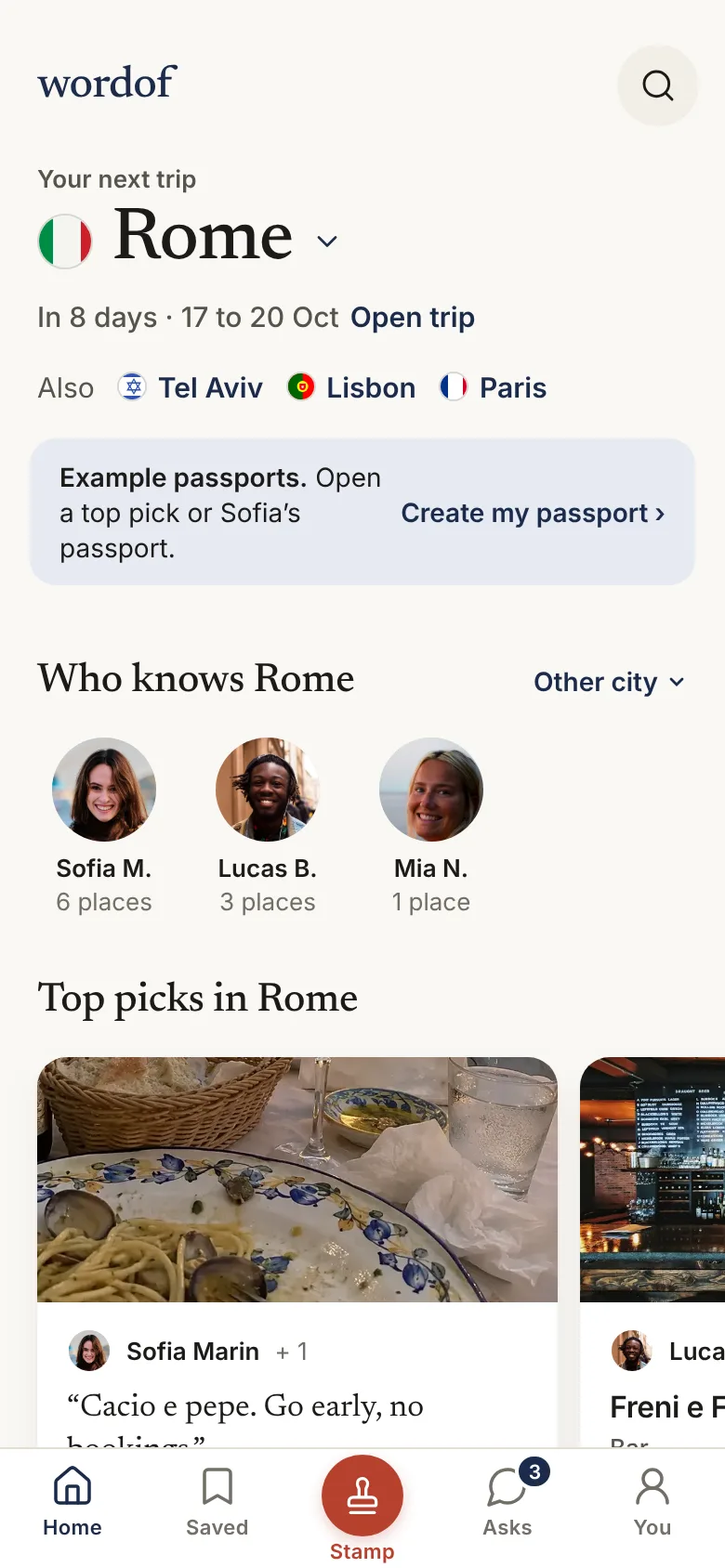
Your circle is the few people whose taste you trust. Nobody else sees your stamps.
- Invite link. Send it on WhatsApp. The preview shows your passport, and one tap joins your circle.
- Your contacts. On iPhone, find friends already on Wordof. Numbers are scrambled on your phone first.
- Friends of friends. Once your first friend joins, the places their friends recommend show up too, labelled with who they came through.
4
Use it
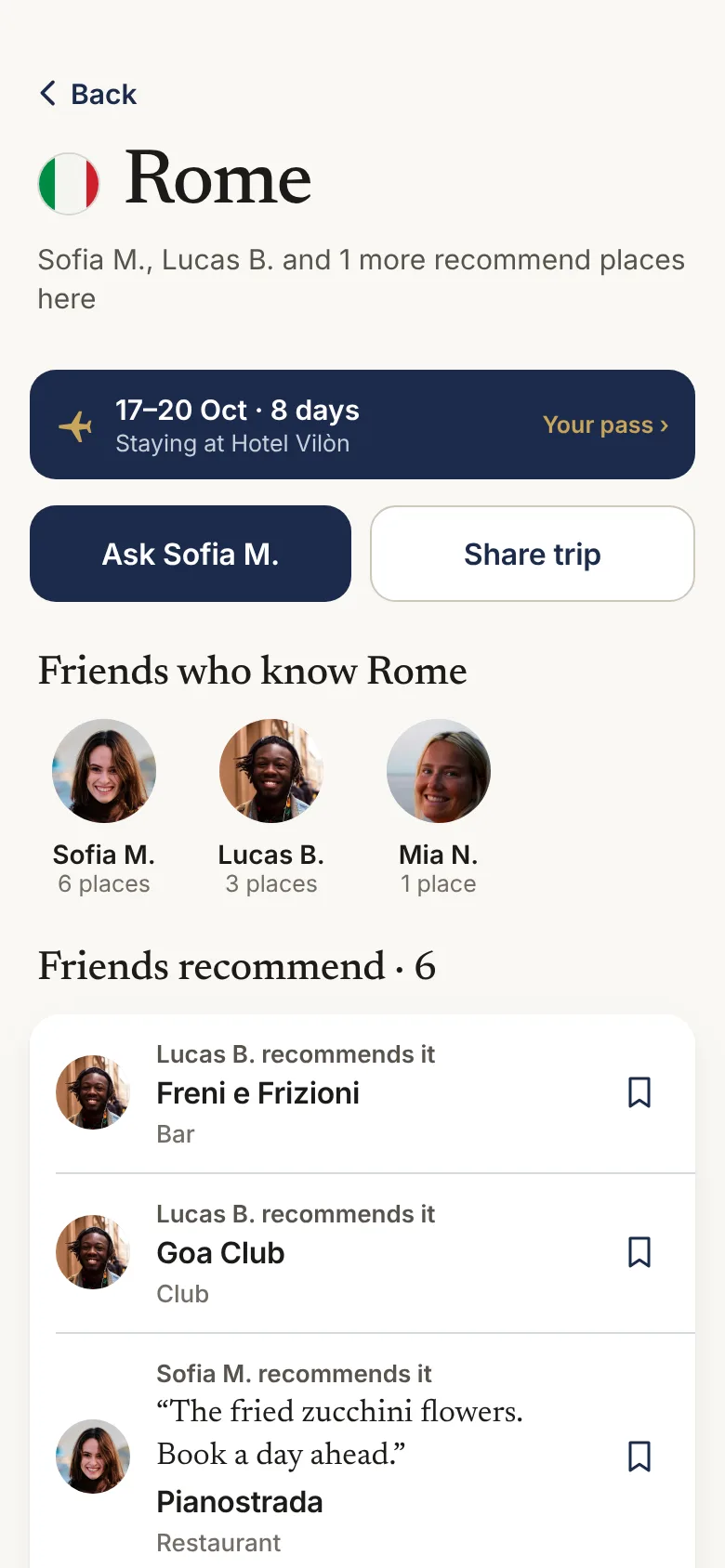
- Planning a trip. Open a city: who has been, what they recommend, your dates and hotel. Share the trip with friends.
- Out and about. Say what you need, and see your friends’ places close to you or your hotel, while the app is open.
- Ask. Ask the friend who knows a city. They answer with their places, and can add a line.
- Book. Open the place’s website, WhatsApp, phone or map. For hotels, see them on the big booking sites.
Where it works
| Feature | iPhone app (beta) | Web |
|---|---|---|
| Passport, stamps, circle, asks | Yes | Yes |
| Photo scan | Yes | No |
| Find friends from contacts | Yes | No |
| Paste a Maps link | Yes | Yes |
| Nearby, while the app is open | Yes | Yes |
| Notifications | Yes | No |
| Paste a message, Google Maps lists | Yes | Yes |
| Stamp suggestions after a visit | Next beta update | No |
Wordof is free. Android comes later.